CINEMAKER LUT VOL 1.0
$75
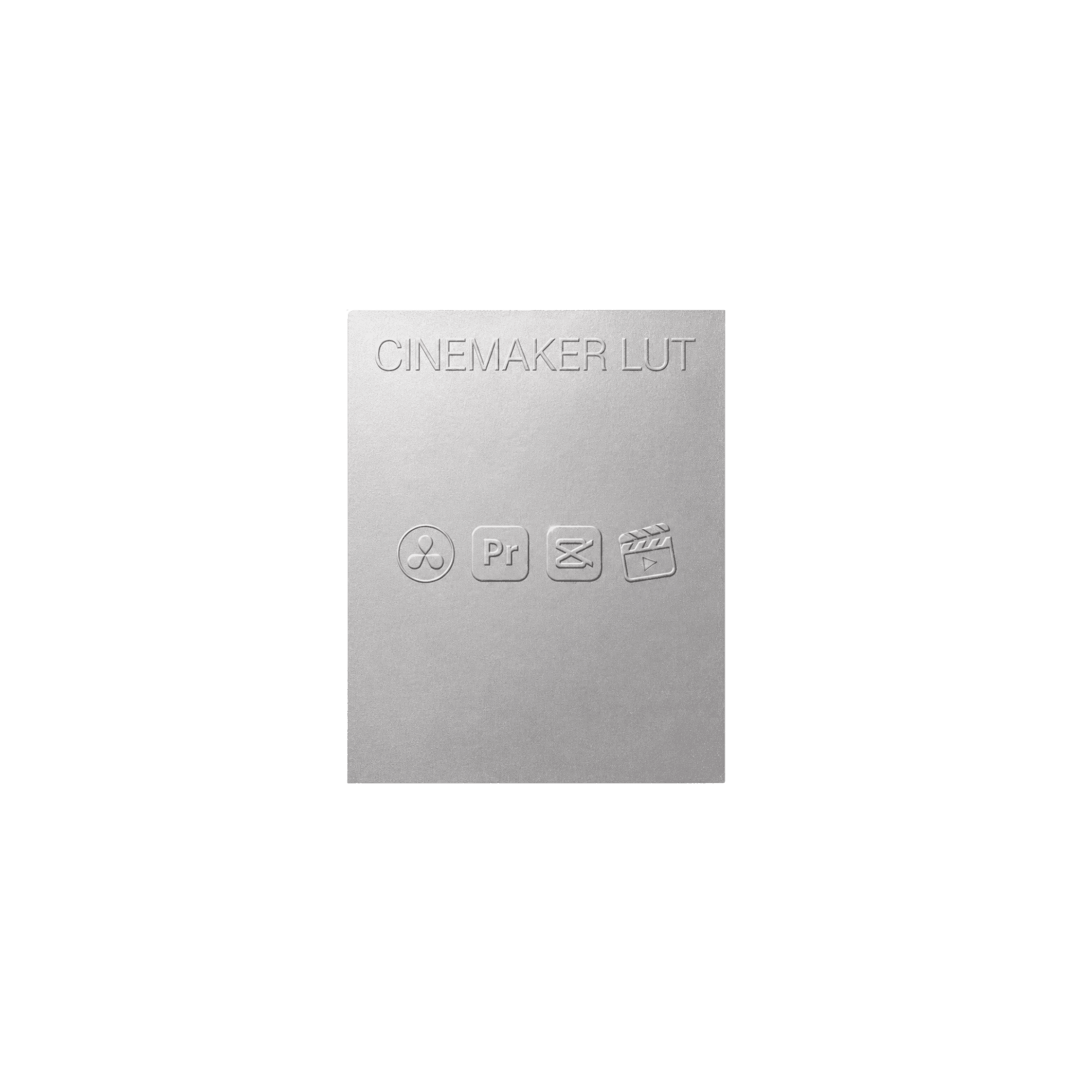
The CineMaker look in three strengths, Soft, Standard and Strong, with true log to Rec.709 conversions for 8 camera brands so the colour lands exactly the same on every camera you shoot.
Compatability
Resolve, Premiere Pro, Final Cut, CapCut
Format
.cube LUT files
WHAT IT INCLUDES
LUT variations, tutorial, PDF guide
Built for consistency across lighting conditions. Tuned for skin tones, calm shadows, and a slightly warm highlight roll-off. Works straight out of the box, or as a starting point for your own adjustments.
( 02 ) IN MOTION
The look, in motion
RICH, FILMIC COLOR
TRUE SKIN TONES
HOLDS DAY TO NIGHT
CLEAN IN LOW LIGHT
HIGHLIGHTS THAT ROLL OFF
( 04 ) IN THE PACK
Everything you get
( 01 )
Creative LUTs (soft, standard, strong)
The signature look in three strengths, soft, standard and strong. The thing you are here for.

( 02 )
16 conversion LUTs
True log to Rec.709 conversions across 8 camera brands, ARRI, Apple, Canon, Fujifilm, Nikon, Panasonic, RED and Sony, so the look lands the same on every camera you shoot.
( 03 )
Film grain overlays
8mm, 16mm and 35mm grain, supplied in ProRes and MP4, to add real texture on top of your footage.
( 04 )
Setup guide (PDF)
Step-by-step PDF for Resolve, Premiere, Final Cut and CapCut.

( 05 )
Full Grading Walkthrough Video
How to install the LUTs and use them on your footage.
( 05 ) THE MAKER
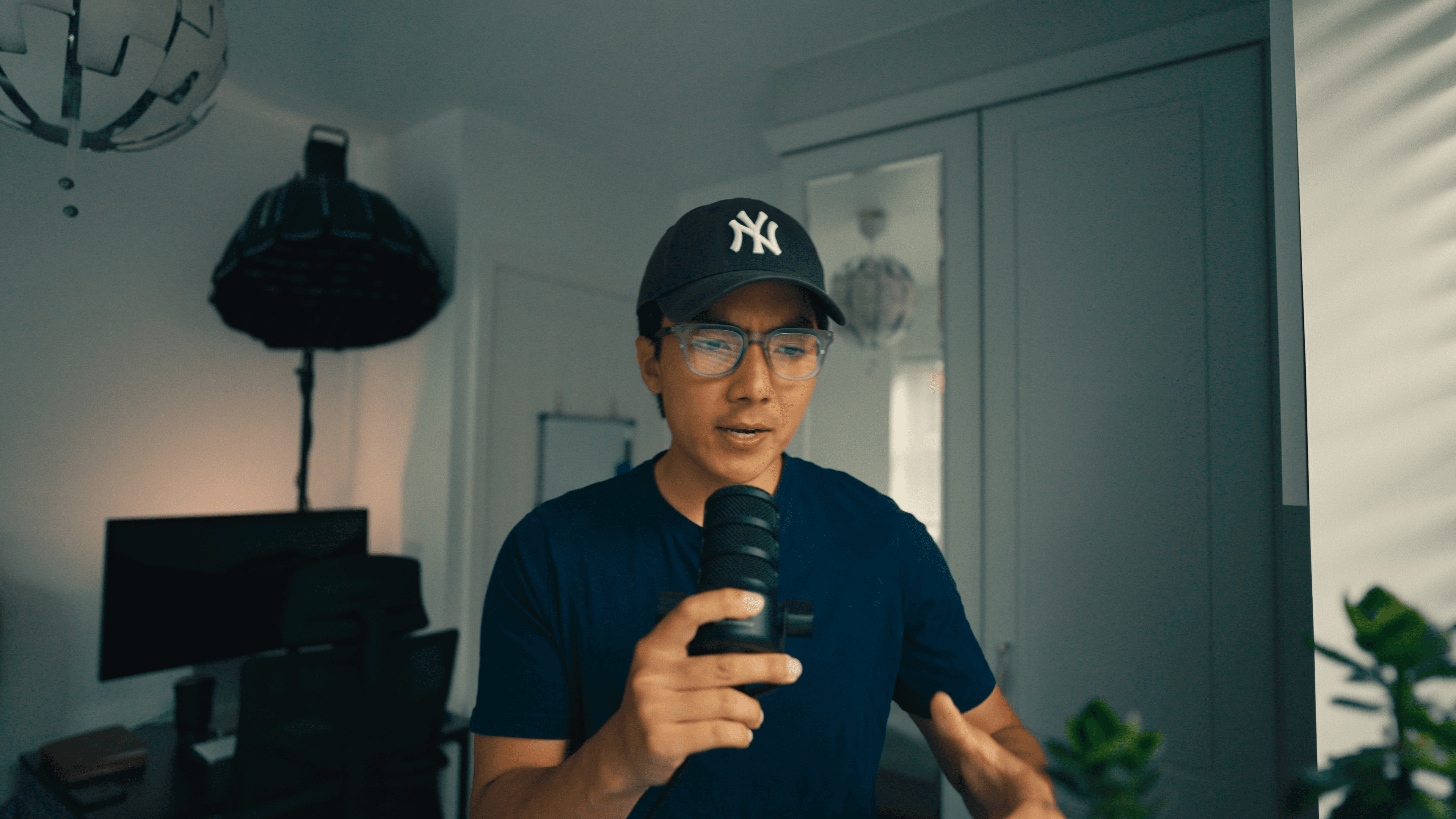
Built by a creator
This grade started on my own footage not in a lab. Every look here is one I reach for on real shoots, tuned over hundreds of clips until it held up across skin tones, mixed lighting and fast turnarounds. No presets bought and rebranded. Just the look I actually use. In pursuit.
SOCIAL PROOF
FREQUENTLY ASKED QUESTIONS
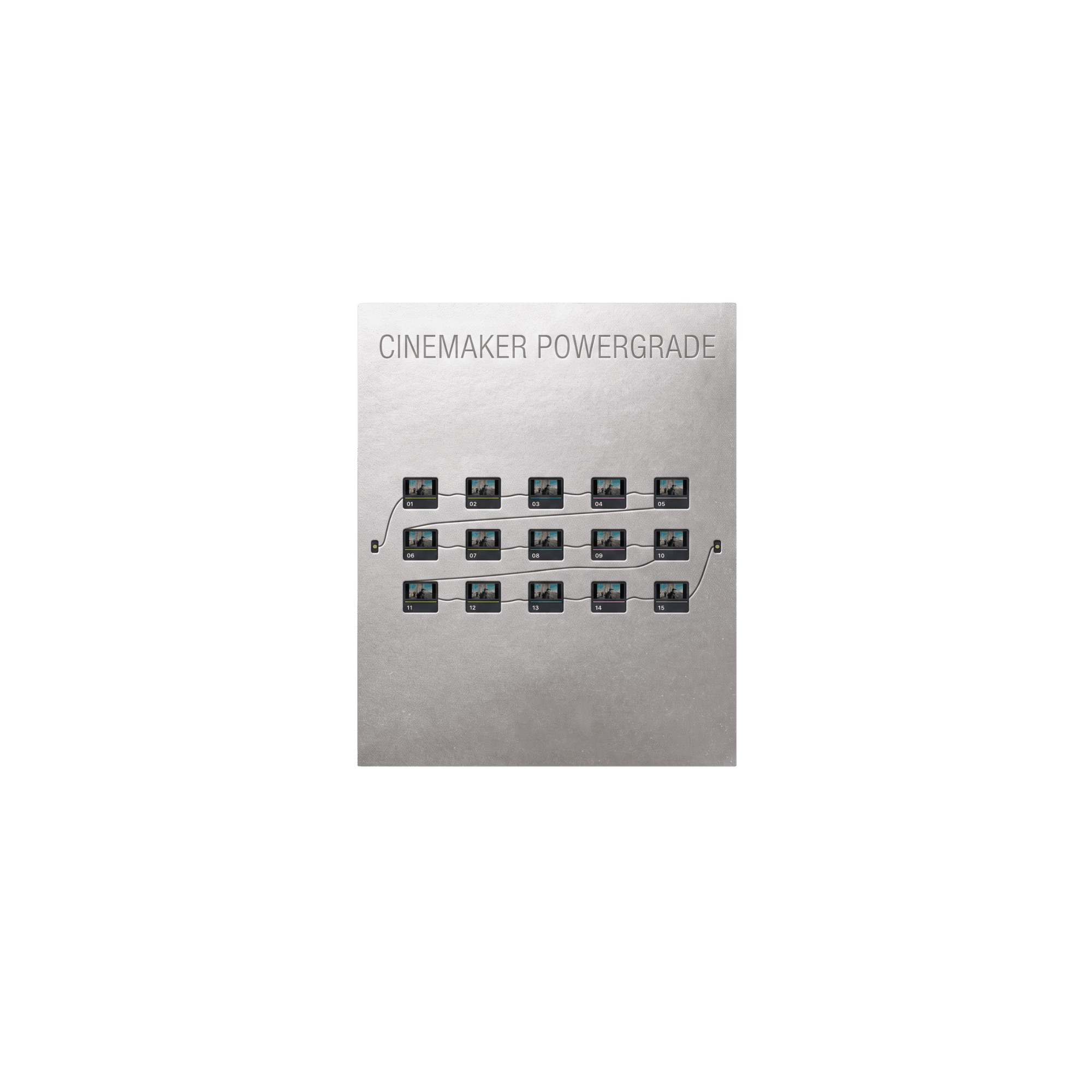
The LUT pack is the portable one. It has conversion LUTs for your camera, the CineMaker look in three strengths, and film grain overlays, and it all drops into any editor that takes a .cube file. The PowerGrade is the same look built as a DaVinci Resolve node tree, so every part of the grade is open and adjustable, and it ships with the Creative LUTs too. Want it fast, anywhere? Get the LUTs. Want to open the grade up and move things? Get the PowerGrade. The Bundle is both.
One look, in three strengths. Soft, Standard and Strong are the same CineMaker grade dialled down or up, so you match the shot instead of fighting it. The LUT pack also includes 16 conversion LUTs covering ARRI, Apple, Canon, Fujifilm, Nikon, Panasonic, RED and Sony, plus film grain overlays in 8mm, 16mm and 35mm, each supplied in ProRes and MP4.
The LUTs are standard .cube files. The Setup Guide walks through DaVinci Resolve, Premiere Pro and Final Cut Pro step by step, and most other editors that accept a .cube file will take them too. The PowerGrade is a .drx, which is a DaVinci Resolve format, so that one is Resolve only.
No. The PowerGrade runs in the free version of DaVinci Resolve. One node in the tree, Film Grain, is a Studio only effect, so on free Resolve that node will not render. The rest of the grade is unaffected, and grain is easy to put back: lay a grain overlay on a track above the clip, or use one of Resolve's other grain methods. Everything else in the tree works on free.
No, and that is deliberate. CineMaker is built on Rec.709, the one colour space every camera can deliver, so it works on footage from a phone, a mirrorless or a cinema camera. Shooting log? The pack includes conversion LUTs for ARRI LogC3 and LogC4, Apple Log, Canon C-Log, C-Log2 and C-Log3, Fujifilm F-Log and F-Log2, Nikon N-Log, Panasonic V-Log, RED Log3G10, and Sony S-Log2, S-Log3 and S-Log3 Gamut Cine. Convert first, then put CineMaker on top. Shooting a profile that is not on that list, or already in Rec.709? Go straight to the Creative LUTs.
All of them. The PowerGrade opens with a Color Space Transform node, so you set your camera's colour space and gamma once at the top of the tree and everything downstream just works. Sony S-Log3, Canon Log 3, Panasonic V-Log, DJI D-Log and D-Log M, Nikon N-Log, Fujifilm F-Log and F-Log 2, RED Log3G10, Blackmagic Film Gen 5, Apple Log, or straight Rec.709. If DaVinci Resolve can read your footage, the PowerGrade can grade it.
Yes. The LUTs are drag and drop, and the PowerGrade has clearly labelled nodes plus a note on what to adjust and what to leave alone. Every purchase includes a Setup Guide PDF and a tutorial video that builds the whole thing start to finish, so you get a cinematic result whatever your experience level.
The Bundle. The LUTs drop into Premiere and Final Cut, and the PowerGrade covers whoever is in Resolve. Same look either way, so it does not matter who cuts the video or what they open it in. That consistency is the whole reason the Bundle exists.
Yes. Every purchase includes a licence covering commercial use: client work, sponsored content, YouTube, socials, all of it. What you cannot do is resell, share or redistribute the files, or fold them into another pack. It is one licence per purchase, so if your team needs more than one seat, email us at hello@purethos.co before passing a copy around.
Bigger than you would expect from a LUT pack, because the grain overlays are real film scans supplied in ProRes as well as MP4. The LUT pack is around 3.5 GB, the PowerGrade around 500 MB, and the Bundle around 3.9 GB. Grab it on wifi rather than on phone data.
Instantly. A download link is emailed the moment checkout completes, no waiting.
It arrives as its own email titled Your CineMaker files, separate from the order receipt. The receipt confirms the payment, the second email carries the download. If you only see the receipt, give it a minute, then check your spam folder. Still nothing? Email hello@purethos.co and I will send it over directly.
No because these are digital files delivered instantly, all sales are final. If you have any trouble installing or using them, email hello@purethos.co and we will help you get it working.